 Kituwa Listing Studio
01
Gather your inventory
Drop in your photos, group the views of each item and match any spreadsheet rows by SKU.
Turn a shelf, a storage unit or an entire stockroom into listings for your eBay store. Bring your photos and spreadsheet. You approve the final draft.
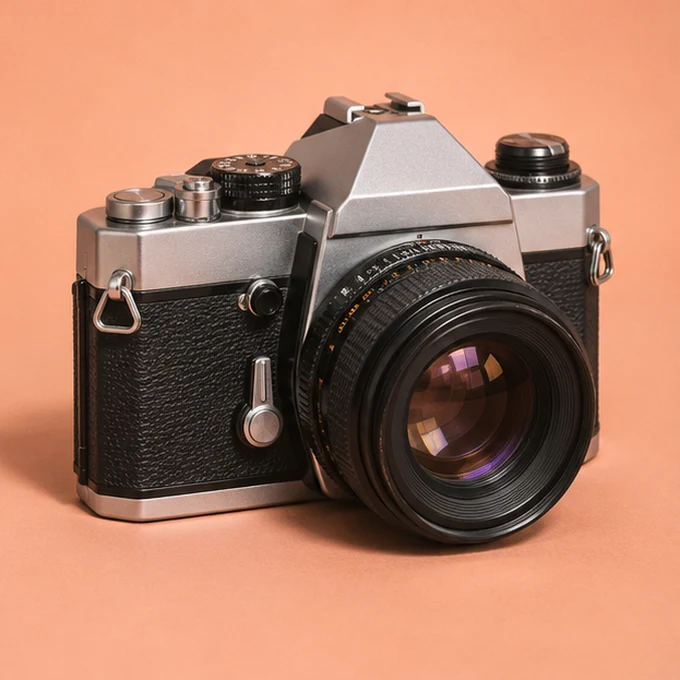
Start with what you have. Each item gets its own photos, draft and place in the queue.
Drop in your photos, group the views of each item and match any spreadsheet rows by SKU.
Keep your own copy or let AI fill the gaps. Check each suggestion against the item in front of you.
Review your itemized quote and approve the batch. Track each listing through to its eBay item ID.
Mix tiers within a batch. Approve the full quote before publishing. Failed or skipped listings carry no Kituwa fee.
Bring finished titles, descriptions and categories. We match your photos and validate the listing file.
Start with photos. AI proposes a title, description and category for you to check.
Add a structured item-specifics draft for details such as material, dimensions and model. You verify every value.
eBay selling fees are separate. Launch scope covers US fixed-price, single-SKU listings.
You sign in on eBay and authorize listing access. At closeout, disconnect the workspace and remove Kituwa from third-party app access in My eBay.
Yes. Upload the CSV template or type directly into a draft. Your supplied text takes priority. You choose which missing fields to draft with AI.
Plan up to 10,000 item records per seller account. High-volume jobs are processed in batches. Daily output depends on your selling allowance, eBay processing and how many items you have approved.
You confirm photos, titles, item specifics, condition, price and policies before publishing. AI suggestions can contain mistakes. Kituwa service fees are separate from eBay fees.